work / lpx grid
lpx grid
A Launchpad X script and Mac app for writing in Live's Session view without the mouse. It launches clips, sequences drums, and saves mix snapshots you can chain into arrangements.
the script
A Python control-surface script that runs the Launchpad X in Programmer mode, with three pages. Session launches clips and scenes in Live's clip colours. Note is a 32-step drum sequencer for Drumazon 2 and Microtonic tracks, or an in-scale keyboard on anything else. Custom holds 64 mix snapshots, each saving volumes and which clip is playing on every track. Recalling one only changes what's different, so playing clips don't retrigger.
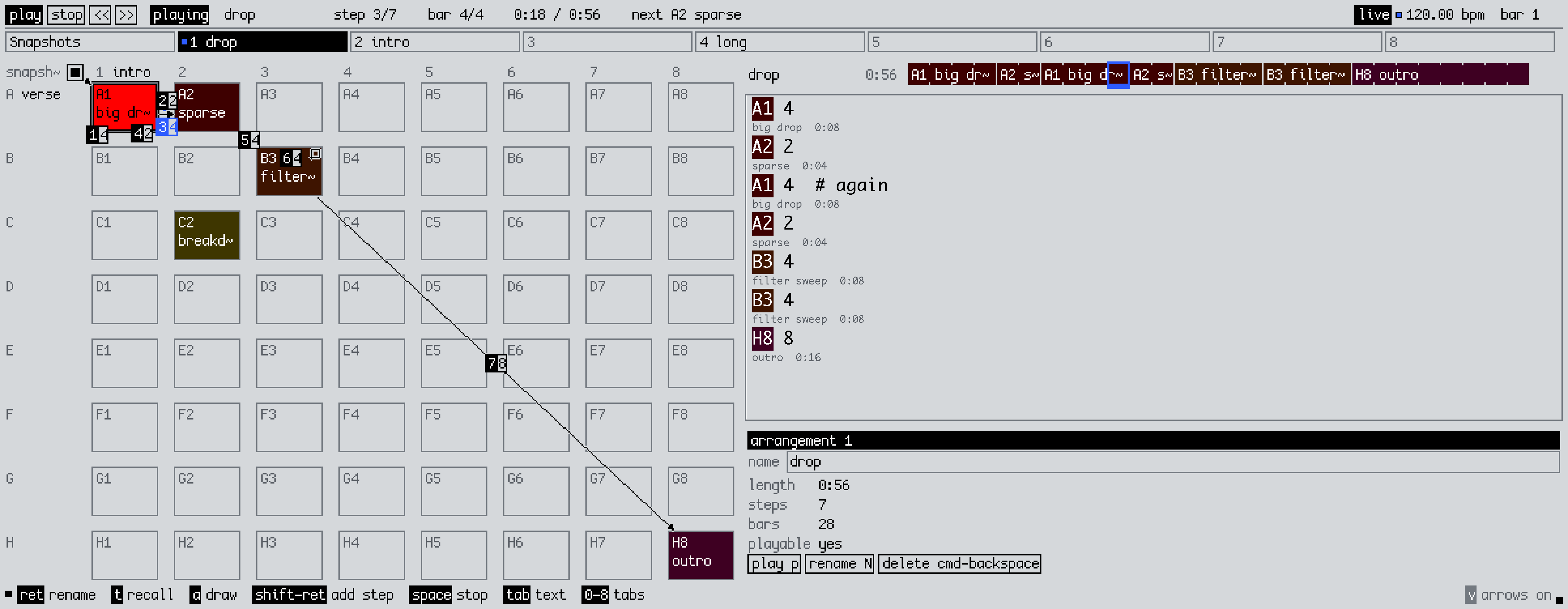
the app
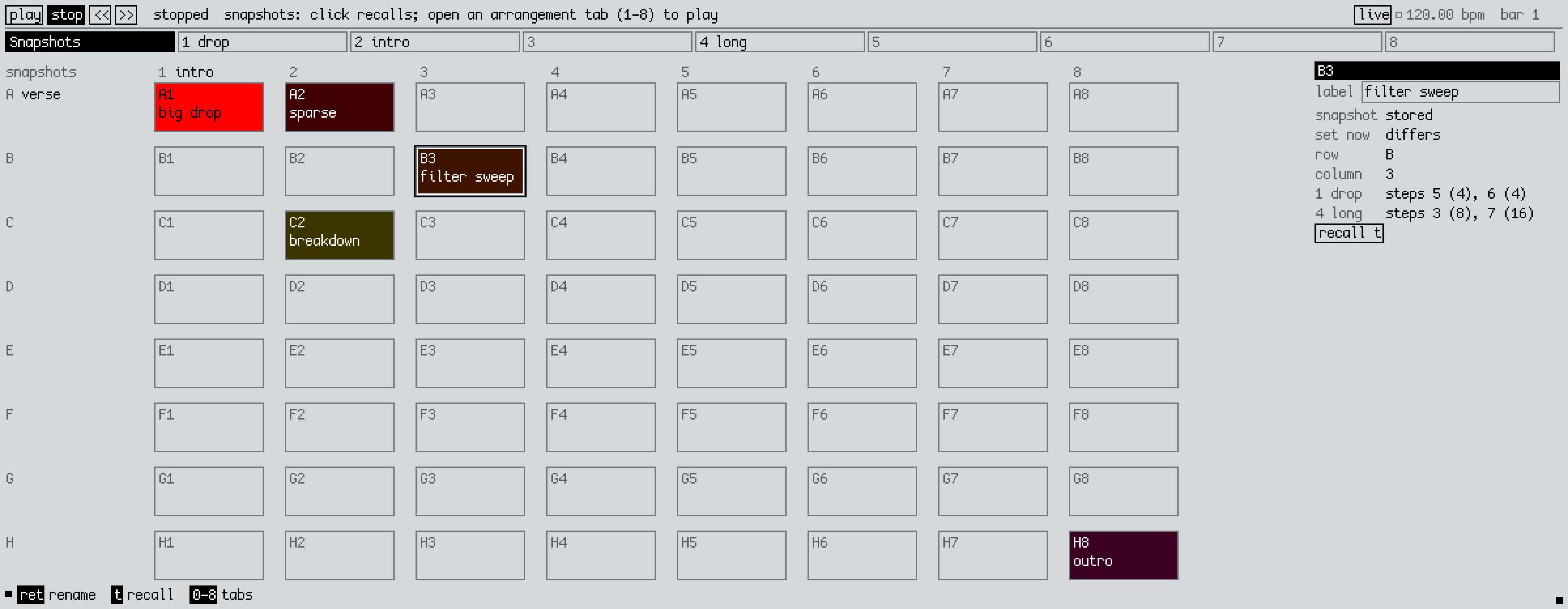
A Mac app that talks to the script over a local socket. You name snapshots there and chain them into arrangements, where each step is a snapshot held for some number of bars. Draw an arrangement as arrows on the grid or type it (A1 4), and it plays in time with Live, starting on the next bar if Live is already running. Each set has eight arrangements, and ▲ on the Launchpad plays the open one.
how it's built
The script holds all the state and saves it in the Live set. The app just draws it and sends requests. It renders to a low-res bitmap with antialiasing off and scales it up, after Hundred Rabbits' Noodle, in 2sl-ui's colours and type.
availability
Not released yet. If you want to try it, get in touch.
We take commissions like this. The first 30 minutes are free: book a consultation or get in touch.
next projectchord progressions